 WimPyAmp
WimPyAmp
WimPyAmp
A cross-platform desktop music player with pixel-perfect Winamp skin support. Play your local collection with a fun retro-pixel UI that looks great on modern desktops.
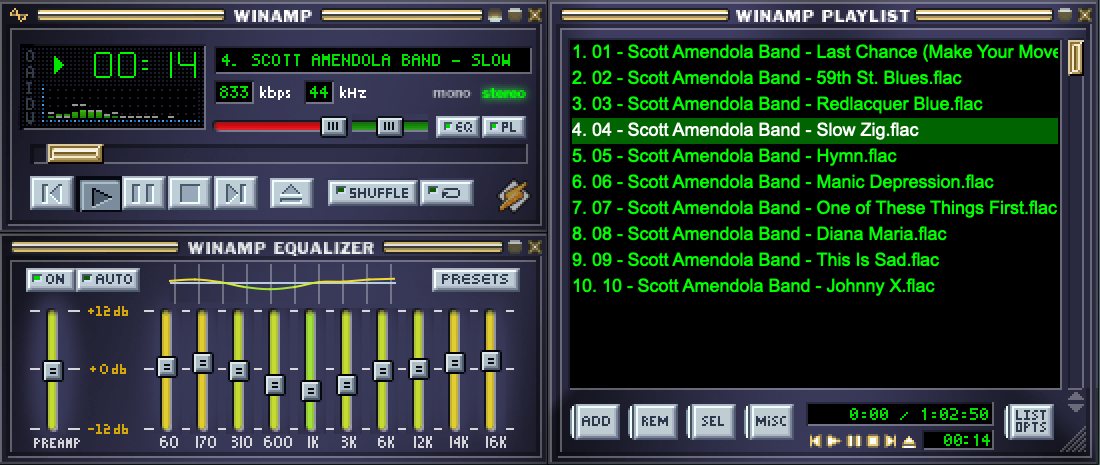
Compatible with thousands of classic Winamp skins. Load any .wsz file and enjoy pixel-perfect rendering.
Choose between spectrum analyzer or waveform modes. Watch your music come alive in retro style.
Support for embedded metadata and folder art. See the visual side of your music collection.
Play your entire local collection including hi-res lossless files. Powered by librosa.
Build and arrange playlists, then save and load them as standard M3U and PLS files.
Works on macOS, Windows, and Linux. Same great experience on every desktop.
No complex database or library to manage. WimPyAmp trusts your existing folder structure and playlists.
Built with Python and PySide6. MIT licensed. Contributions welcome on GitHub.
Choose from thousands of skins or create your own
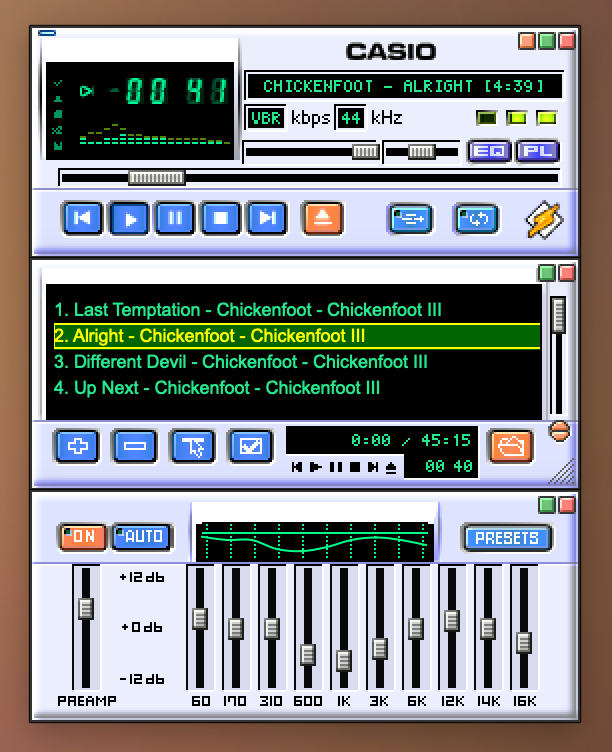
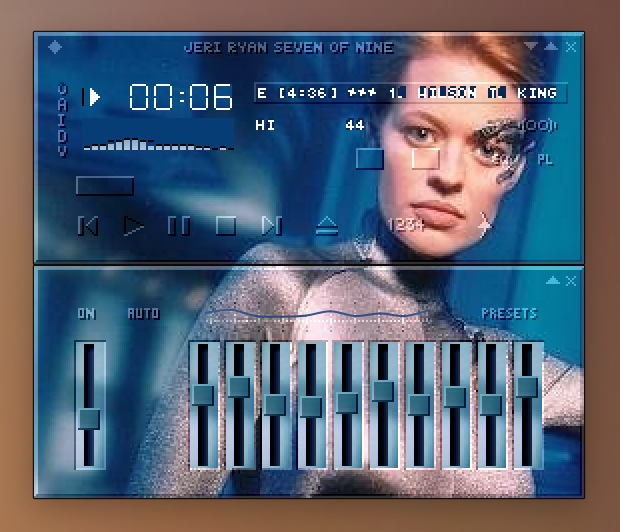
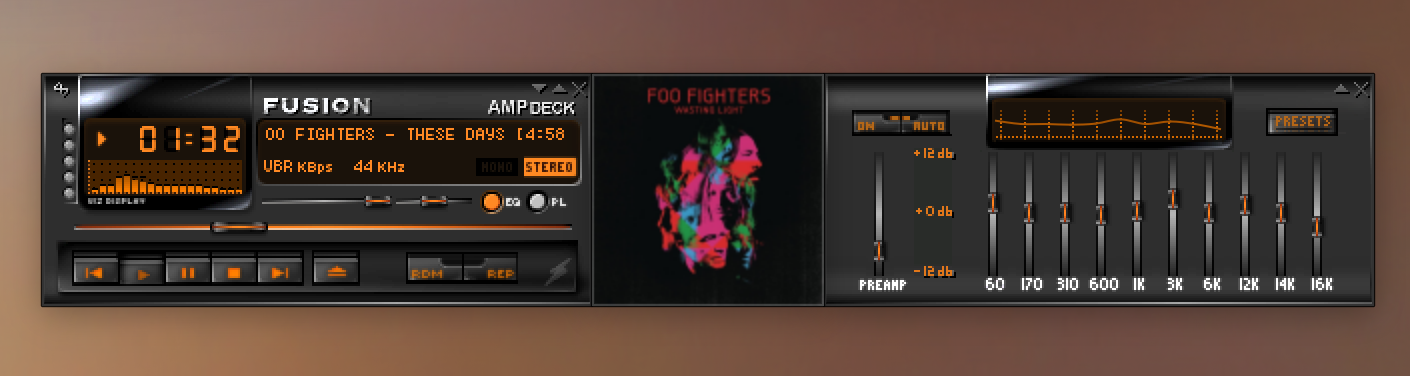
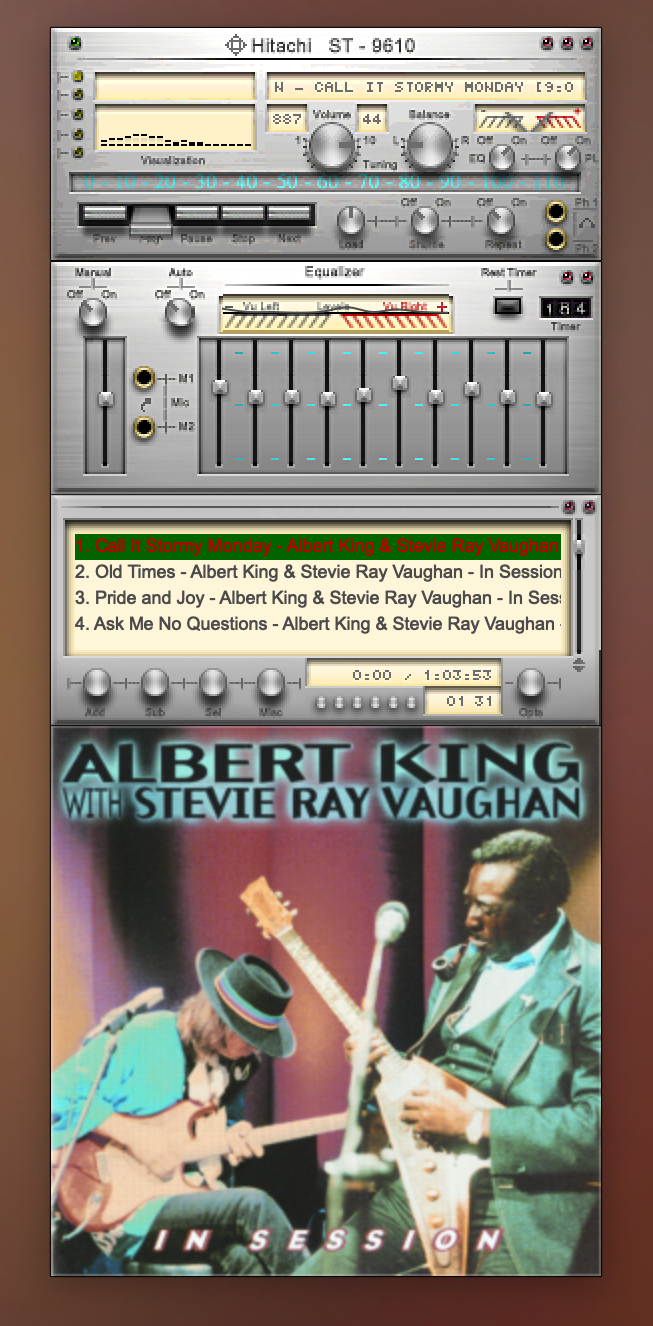
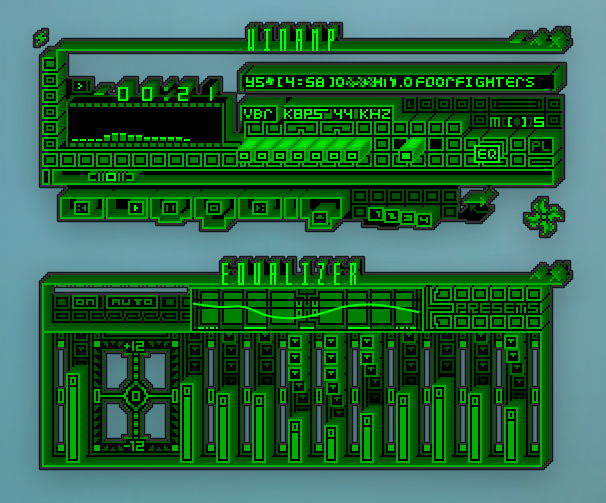
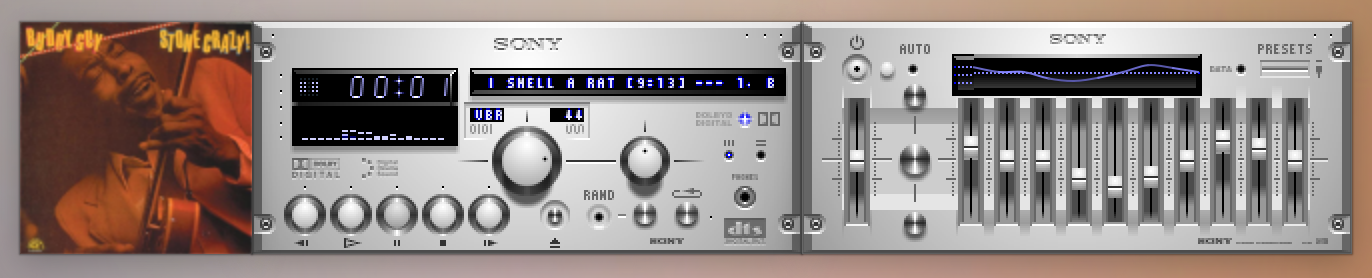
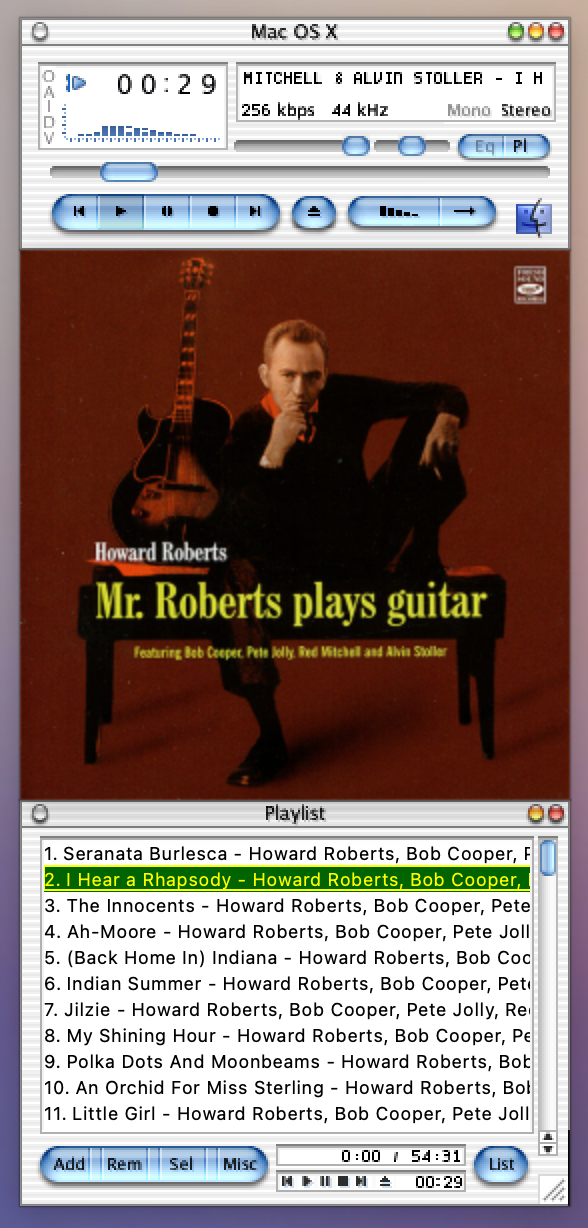
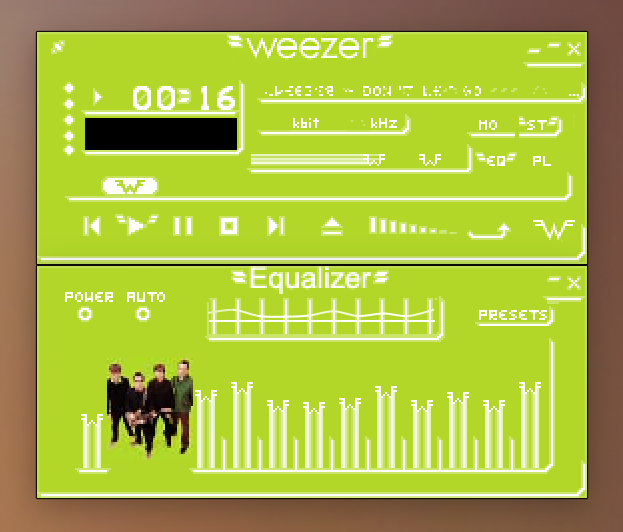
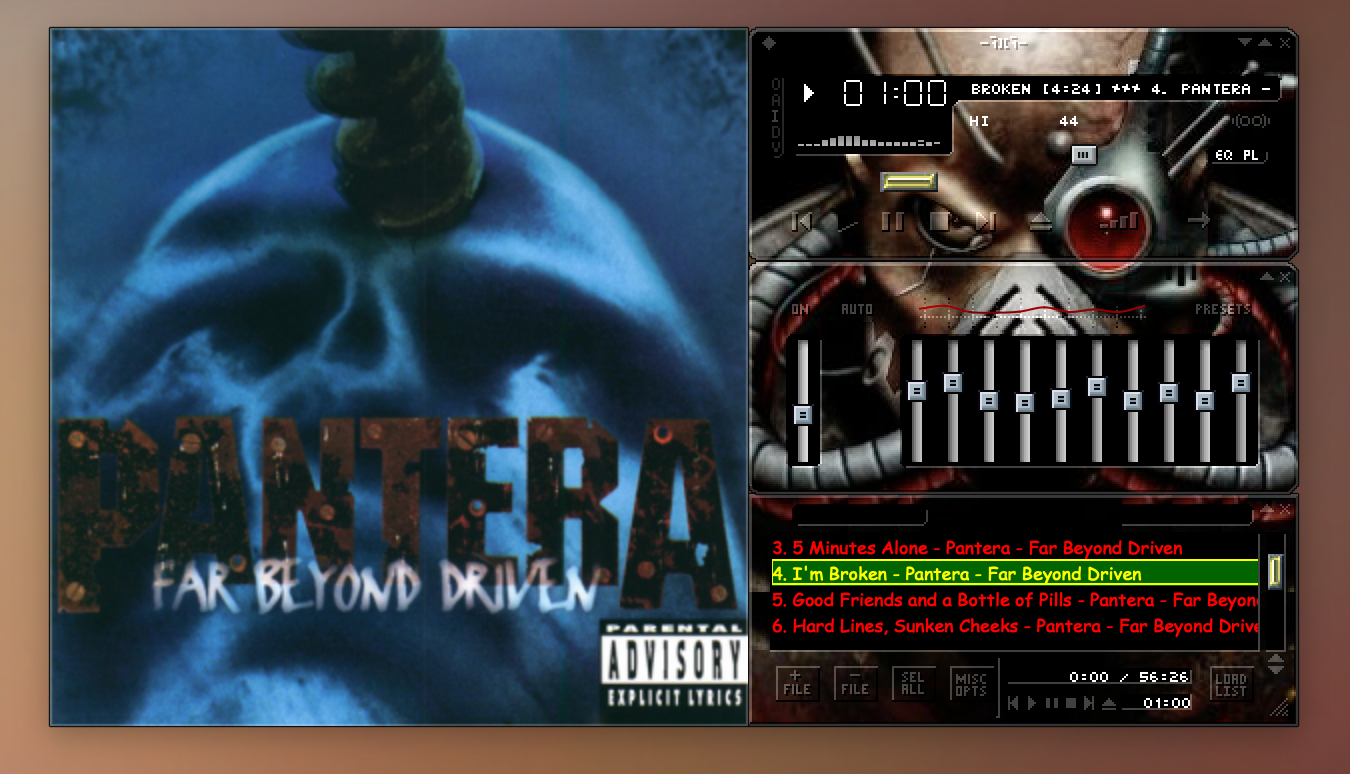
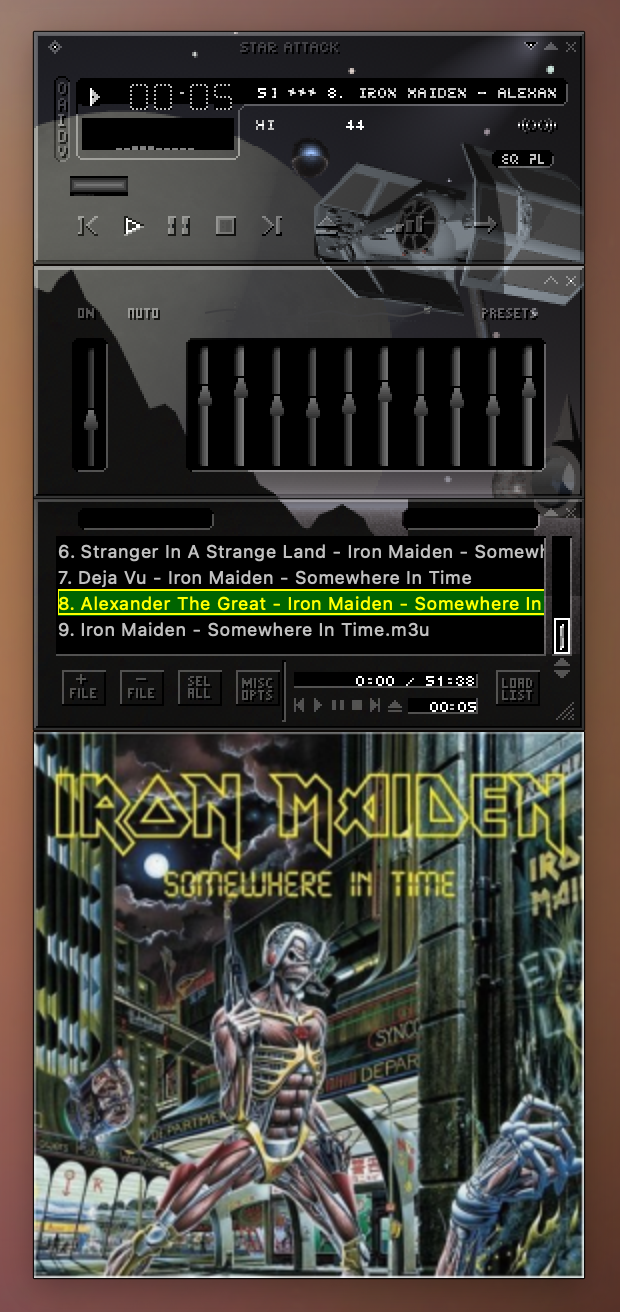
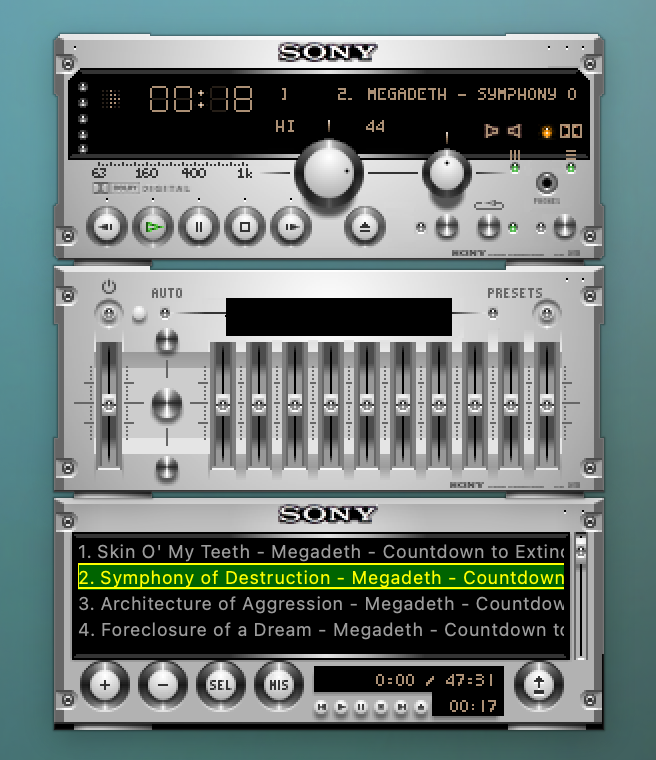
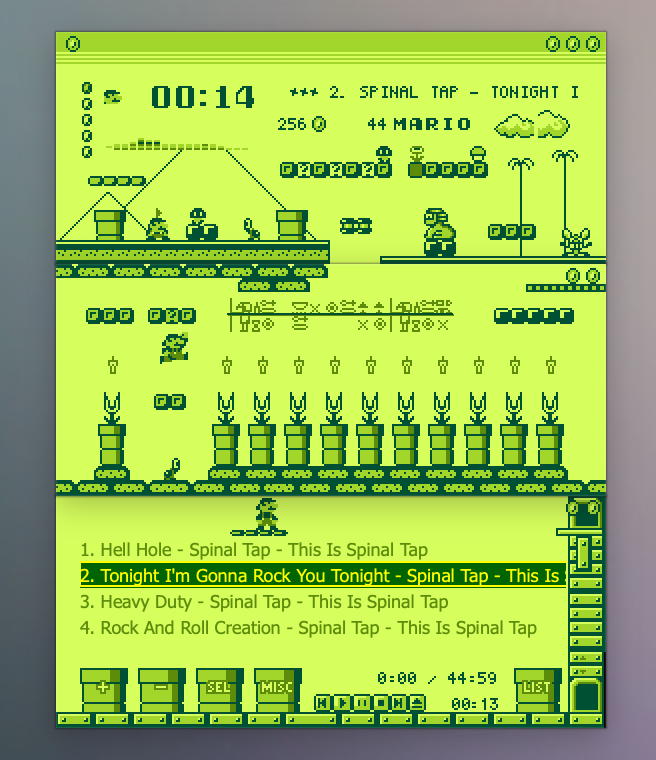
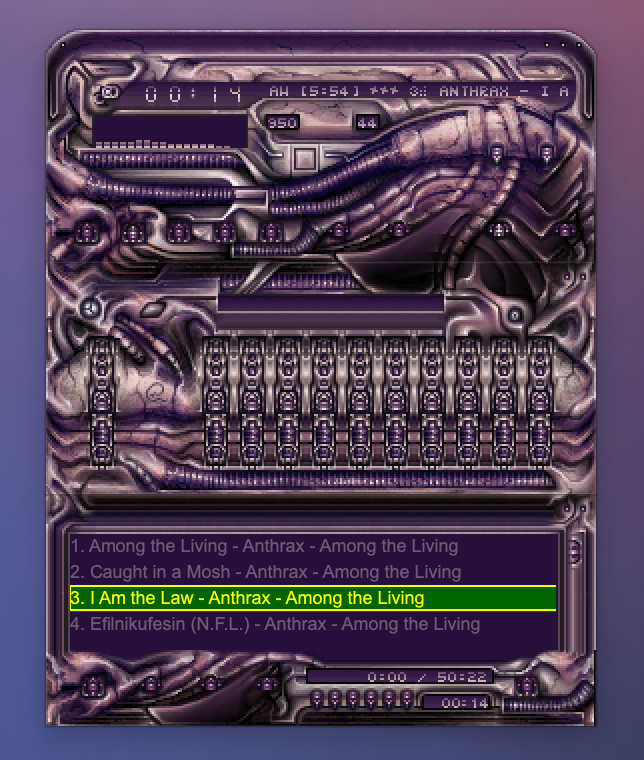
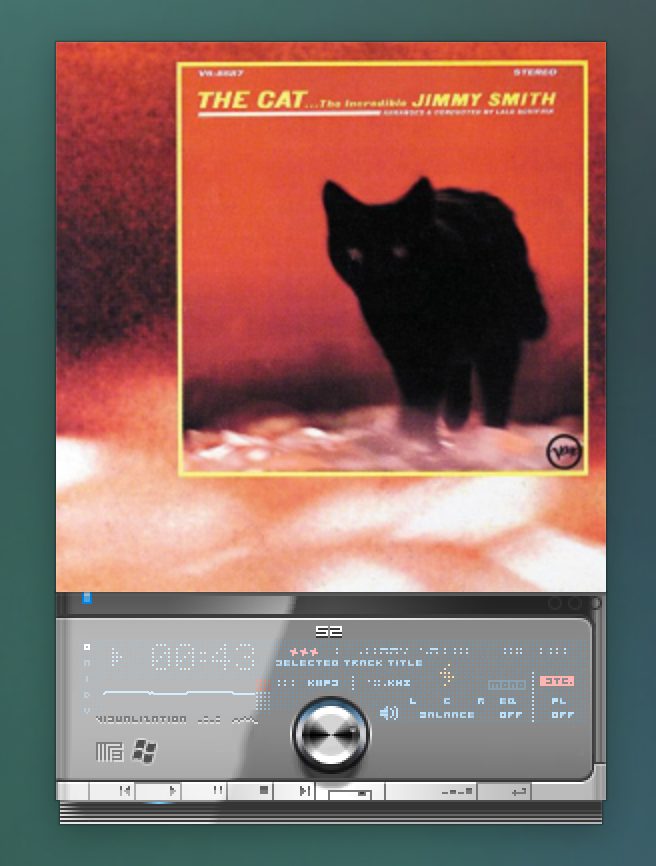
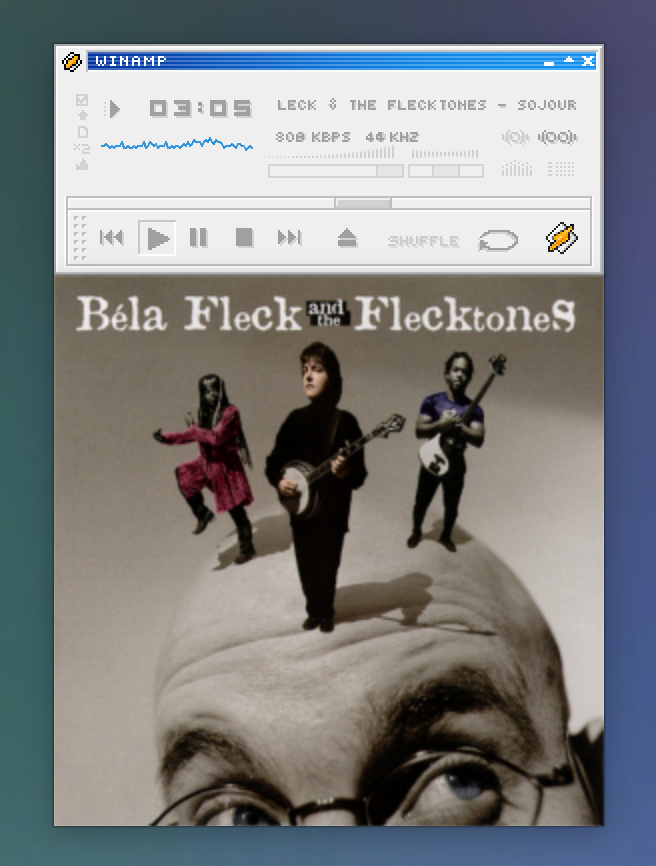
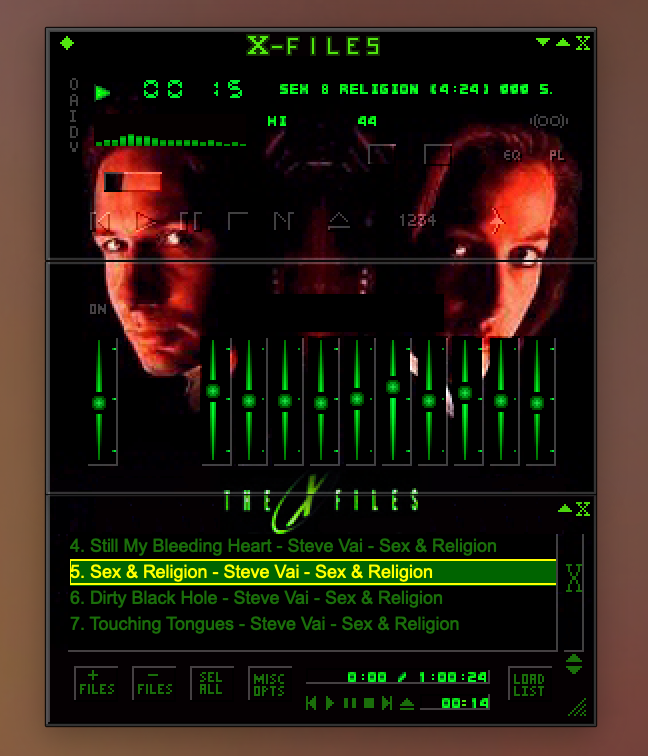
Browse thousands of skins at the amazing Winamp Skin Museum — the definitive collection.
Browse the Museum
The app pretty much works like you might remember from Winamp (if you're old enough to remember). The "eject" button in the main window lets you choose and load a single track. If you open the Playlist window, you'll find options to load playlist files or add entire directories to the playlist (useful for albums).
Click the "V" button in the main window clutterbar (that's the vertical row of teeny letters on the left) to toggle between visualizer types (spectrum analyzer, waveform, none).
To load a new skin or reload the default skin, either choose the Settings menu, or click "O" in the main window clutter bar.
WimPyAmp also has support for Album Art. Click "I" in the main window clutter bar, and an Album Art window will appear. It should show art from either the current track's metadata or an image in the same directory like folder.jpg. If there isn't any art available, you'll see a placeholder image.
Free and open source. Choose your platform.
Prefer running from source? Check the README for setup instructions.